How to Troubleshoot a Thermostat That Won't Respond
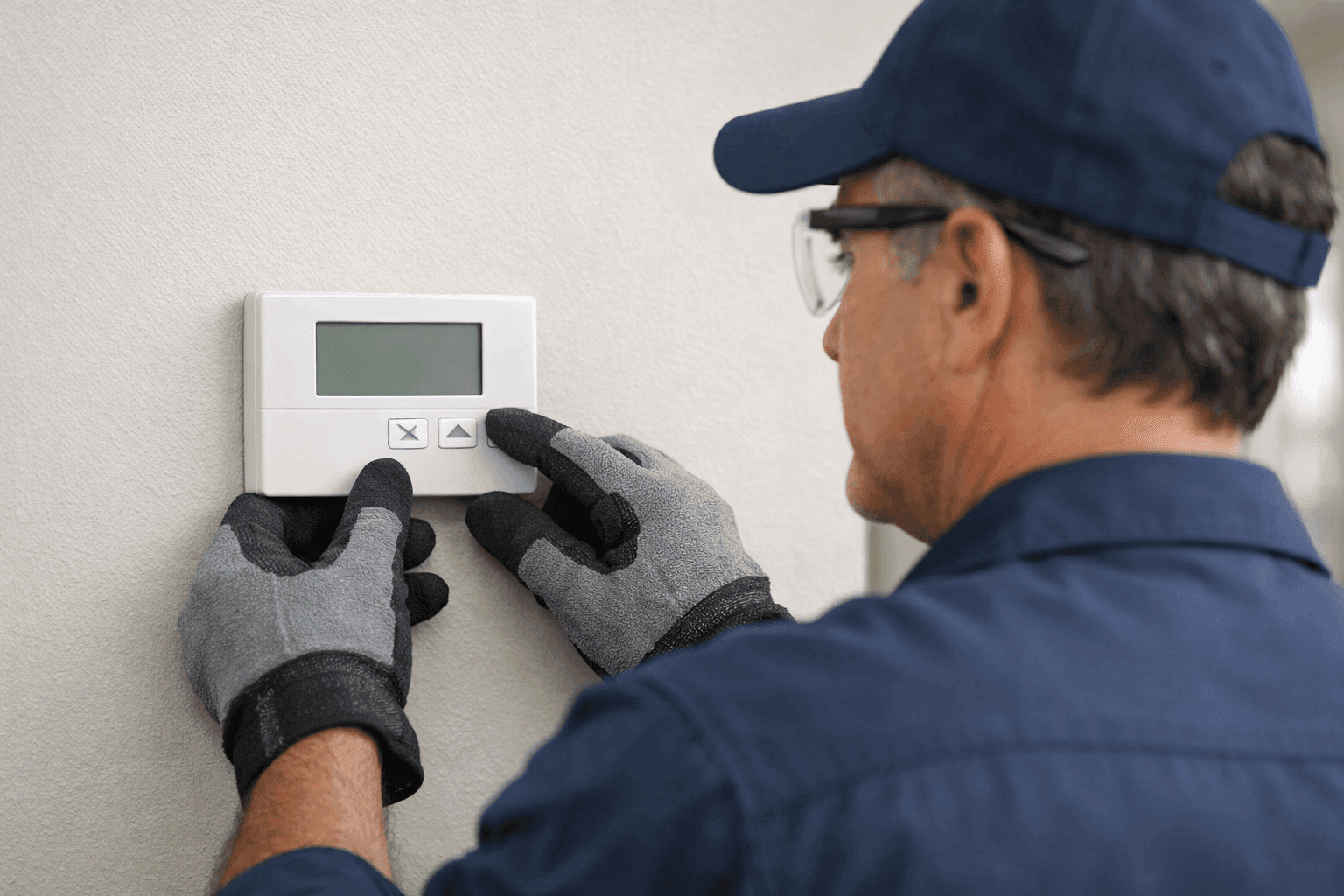
It’s a sticky summer day, or maybe the heat just won’t quit. You reach for your thermostat—only to find silence. No clicks, no hum, not even a blinking light. When your thermostat won’t respond, it’s more than an inconvenience. It’s a roadblock to comfort, productivity, and control over your indoor environment.
At Brama Cooling, we know how frustrating a silent thermostat can be—especially when you rely on cooling to keep your home or business running smoothly. Here’s how you can troubleshoot the issue quickly, safely, and confidently.
Common Reasons for Thermostat Failure
Thermostats are the brain of your cooling system. When they stop working, the whole system can feel “unplugged.” Before you panic, let's look at the usual suspects:
- Dead batteries: Like a flashlight in a storm, thermostats need their own power source.
- Loose or corroded wiring: Wires can wiggle loose or get damaged over time.
- Tripped circuit breaker: Sometimes, it’s as simple as a flipped switch in your electrical panel.
- Dirt or dust buildup: A layer of grime can block sensors or interfere with connections.
- Compatibility problems: Not all thermostats “speak” the same language as your HVAC system.
- Age and wear: If your thermostat is older than your favorite pair of sneakers, it might just be worn out.
Each issue has its own fix. But first, always put safety front and center.
Quick Safety Checklist 🛑
Before you roll up your sleeves, pause and check:
- Power off: Turn off power to your HVAC system at the breaker panel.
- Dry hands: Electricity and water never mix—avoid the shock.
- Tools ready: Gather a screwdriver, fresh batteries, and your phone (for photos).
- Know your system: If you’re unsure, check your thermostat’s manual or look up the model number.
Remember, if you’re ever in doubt, Brama Cooling’s certified technicians are ready to help.
DIY Fixes for a Silent Thermostat
Sometimes, the solution is surprisingly simple. Try these first:
1. Change the Batteries
Seems obvious, but it’s often missed. Open the thermostat cover, pop out the old batteries, and insert fresh ones. If it lights up—problem solved.
2. Check the Circuit Breaker
Find your electrical panel. Look for any tripped breakers labeled “HVAC,” “A/C,” or “Thermostat.” Flip them off, then back on again.
3. Inspect for Loose Wires
Remove the thermostat from its wall plate. (Take a photo of the wiring first for reference!) Are any wires loose, disconnected, or corroded? Tighten connections gently.
4. Clean the Thermostat
Dust and debris can block sensors. Use a soft brush or canned air to gently clear the area inside the thermostat.
5. Reset the Thermostat
Some models have a small reset button. Hold it down for five seconds, then release. If your thermostat responds, you’re back in business.
When to Replace Your Thermostat
If quick fixes don’t work, your thermostat may be at the end of its road. Consider replacement if:
- The screen stays blank, even after new batteries.
- The system turns on and off unpredictably.
- You see error messages or strange symbols.
- Your energy bills spike for no clear reason.
- The thermostat is more than 10 years old.
Upgrading to a new, energy-efficient thermostat can improve comfort and reduce costs. But make sure it’s compatible with your current HVAC system—mixing the wrong parts is like fitting a square peg in a round hole.
Signs of Deeper Trouble
Sometimes, an unresponsive thermostat is just the tip of the iceberg. Watch for these red flags:
- No airflow at all: Could point to a wiring or control board issue.
- Flickering power: Your electrical system may be overloaded.
- Burning smell: Turn off power and call for professional help immediately.
- Repeated breaker trips: There may be a short circuit or faulty component.
If you spot any of these, don’t wait. For cooling services that include thermostat repair, it’s time to call the pros.
Professional Troubleshooting: What Technicians Do 🧰
When Brama Cooling’s certified technicians arrive, they bring expertise and specialized tools. Here’s what you can expect:
- Full system inspection: We check the thermostat, wiring, and control board.
- Voltage testing: Using a multimeter, we test for power at each connection point.
- Wiring verification: We trace wires for continuity and compatibility.
- Unit compatibility check: We confirm the thermostat matches your HVAC model.
- System test run: Once repairs are made, we test the system through all modes—cool, heat, fan, and auto.
Our team follows safety standards from the National Electrical Code (NEC) and HVAC best practices.
Compatibility: The Hidden Hurdle
Just like a remote that doesn’t work with every TV, not every thermostat fits every cooling or heating system. Key things to check:
- Voltage type: Low-voltage (24V) vs. line-voltage (120V/240V).
- Wiring configuration: Does your system use a C-wire? If not, you may need an adapter.
- System type: Single-stage, two-stage, heat pump, or multi-zone systems all have different requirements.
Not sure? Brama Cooling’s thermostats page has more details on selecting the right model.
When It’s an Emergency
Some situations need immediate action:
- Extreme indoor temperatures: Risk of heatstroke or freezing pipes.
- Commercial downtime: Offices, clinics, or shops can’t operate without proper cooling.
- Electrical burning smell or sparks: Shut off power and call now.
For urgent HVAC Repair needs, our cooling specialists in Little Rock are available 24/7.
Prevention and Maintenance Tips
Stay ahead of thermostat woes:
- Change batteries every year—even if they’re not dead.
- Schedule annual HVAC maintenance to catch wiring or control issues early.
- Keep the area around your thermostat clean and dry.
- Upgrade to a programmable model for better performance and energy savings.
Regular maintenance isn’t just a “nice-to-have”—it’s a shield against future breakdowns.
Common Mistakes to Avoid
- Forcing buttons: Pressing harder won’t help if the circuit is dead.
- Mixing up wires: Always photograph wiring before removing any connections.
- Ignoring warning signs: A flickering screen or odd noises shouldn’t be shrugged off.
- Skipping the manual: Your thermostat’s guidebook is a treasure map—use it.
Materials & Equipment Checklist
If you’re up for safe, DIY troubleshooting, gather:
- Fresh batteries (AA or AAA, usually)
- Small flathead screwdriver
- Multimeter (for voltage checks)
- Soft brush or canned air
- Phone (for wiring photos)
- Flashlight
If you’re missing any of these, or you’re unsure about the process, don’t risk it—call a professional.
Timeline & Disruption: What to Expect
DIY fixes can take as little as 10–15 minutes. Professional service calls might take 30–60 minutes, depending on complexity. Most repairs are non-invasive, but a full replacement or re-wiring could require a longer visit.
FAQ: Thermostat Troubleshooting
Q: How often should I replace my thermostat batteries?
A: Once a year, or whenever you see a low-battery warning.
Q: My thermostat is old but still works. Should I upgrade?
A: Older models may not be as accurate or efficient. Upgrading can save energy and improve comfort.
Q: Can I install a smart thermostat myself?
A: If you’re comfortable with basic wiring and your system is compatible, yes. Otherwise, let a certified technician handle it.
Q: What if my thermostat is in a bad location?
A: Placement matters. Avoid direct sunlight or drafty spots for accurate readings.
For more on codes and safety, the International Residential Code (IRC) and National Electrical Code (NEC) offer clear guidelines.
Seasonal Considerations
Thermostat trouble often strikes during seasonal transitions—when you switch from heat to cool or vice versa. Test your system before peak seasons to avoid last-minute surprises.
The Brama Cooling Difference
With licensed, certified technicians and a focus on safety and comfort, Brama Cooling helps families and businesses stay in control of their environments. We diagnose, repair, and install thermostats near you—quickly and precisely.
Ready to Restore Your Comfort?
Don’t let a silent thermostat leave you in the heat (or cold). Whether you need a quick fix or a whole new system, Brama Cooling is here to help.
Call Brama Cooling now — or reach us anytime at 888-840-5035 .