Thermostat Troubleshooting: Common Issues & Solutions
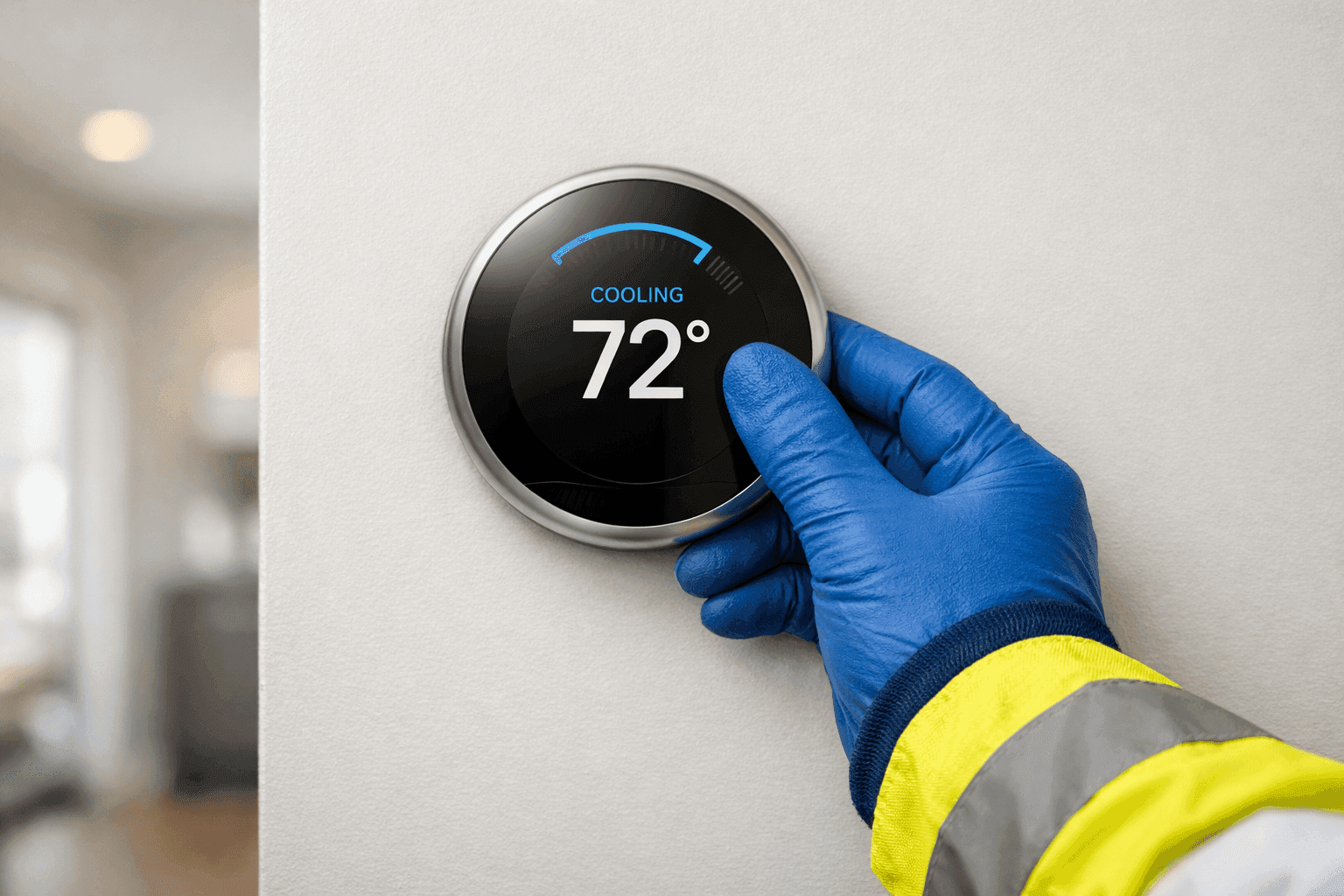
Is your thermostat giving you the silent treatment? Or maybe the numbers don’t match how the room actually feels. Thermostat issues can throw your comfort off-balance, and they rarely pick a convenient moment to show up.
At Brama Cooling, we know how a tiny device can make or break your day—at home or at work. If your cooling system isn’t responding, or you’re sweating (or shivering) over stubborn settings, you’re not alone. Let’s dig into the most common thermostat problems, how to spot them, and what you can safely try before calling for help.
Identifying Thermostat Problems: What’s Going Wrong?
Thermostats are like traffic cops for your heating and cooling. When they malfunction, everything backs up. Here are the main issues homeowners and property managers face:
- Unresponsive screen: The display is blank, flickers, or frozen.
- Incorrect temperature readings: The room feels too hot or cold, despite the display.
- System not responding: The AC or furnace won’t kick on or off, no matter the setting.
- Frequent cycling: The system turns on and off rapidly, never settling in.
- Unexpected temperature swings: The temperature jumps unexpectedly throughout the day.
- Battery or power issues: Thermostat works, then suddenly dies or restarts.
If you notice any of these, your thermostat might be the culprit—or a symptom of something deeper.
Quick Safety Checklist Before You Start 🛑
Before you roll up your sleeves, let’s check a few safety basics:
- Power off: Turn off power at the breaker panel to your HVAC system.
- Dry hands: Never handle wires with wet hands.
- No forced repairs: If you see burnt wires or smell something funny, stop and call a professional right away.
Always put safety first. The U.S. Consumer Product Safety Commission recommends turning off all power sources before opening any electrical component.
DIY Thermostat Checks: Easy Wins
Some thermostat problems have surprisingly simple solutions. Here’s what you can check right now:
1. Check the Batteries
- Remove the thermostat cover.
- Swap out old batteries for fresh ones—even if the display is faintly working.
- Snap the cover back on and wait a minute.
Sometimes, a weak battery sends mixed signals to your whole cooling system.
2. Verify Thermostat Settings
- Make sure it’s set to “Cool” (or “Heat” in winter).
- Double-check the temperature set point.
- Ensure the fan is set correctly—“Auto” is usually best.
Settings can get bumped during cleaning or by curious kids.
3. Inspect the Circuit Breaker
- Find your home’s breaker panel.
- Look for any tripped breakers connected to “HVAC,” “Furnace,” or “AC.”
- Reset if needed.
A tripped breaker is often the villain behind a suddenly silent thermostat.
System Not Responding? Try a Safe Reset
Many modern thermostats have a reset function. Here’s how to try a safe restart:
- Find the “Reset” button or consult your thermostat’s manual.
- If no button, remove the batteries and wait 30 seconds before replacing them.
- For wired thermostats, gently disconnect from the base for a minute, then reconnect.
This quick reboot can clear minor glitches, much like restarting your phone.
Wiring Worries: What’s Safe to Check?
If the above didn’t help, it may be time to peek behind the cover:
- Turn off power at the breaker. Always.
- Gently remove the thermostat faceplate.
- Look for loose, disconnected, or corroded wires.
- Do not touch exposed wires with bare hands.
If you’re unsure, or see anything broken, it’s time to call in a certified technician.
When the Screen Is Blank: Diagnosing the Dark
A blank thermostat screen can mean:
- Dead batteries (try new ones first).
- Tripped circuit breaker (reset as above).
- Faulty wiring (visual inspection only—don’t attempt repairs).
- Blown fuse in your HVAC system.
If the display stays dark after new batteries and a breaker check, stop here. Some fixes, like replacing fuses or rewiring, require HVAC know-how and certification.
Incorrect Temperature Readings: Why the Numbers Lie
Thermostats can lose their sense of direction for a few reasons:
- Direct sunlight: If sun hits the thermostat, readings run high.
- Drafty locations: Near doors, windows, or vents—cold/hot air throws it off.
- Dirty sensor: Dust buildup can “insulate” the sensor.
Try gently cleaning the thermostat with a dry cloth and moving anything that might affect airflow. If the problem continues, the sensor may be failing.
Rapid Cycling or Short Cycling: The On-Off Dance
If your system is clicking on and off too quickly, check:
- Loose wires or battery issues
- Dirty air filter
- Oversized or malfunctioning HVAC unit
Short cycling wastes energy and strains your cooling system. If quick fixes don’t help, your system may need balancing or a deeper look from a professional.
Preventing Thermostat Mistakes: Common Pitfalls
Avoid these frequent missteps:
- Mounting thermostats near heat sources, windows, or exterior doors.
- Setting drastic temperature swings—steady adjustments are best.
- Forgetting annual battery replacement.
- Ignoring dust buildup on or around the unit.
A well-placed, clean thermostat keeps your cooling running smarter.
When to Call a Pro: Recognizing Red Flags 🚨
It’s time to reach out to certified cooling specialists if:
- You see burnt or melted wires.
- Resetting and battery changes don’t revive the system.
- The screen flashes error codes you can’t clear.
- The HVAC system itself is making loud or strange noises.
- You’re uncomfortable or unsure about handling wires.
Professionals use advanced tools and follow safety codes (like the National Electrical Code) to diagnose and repair without risk.
What Brama Cooling Pros Do on Arrival
When our team arrives, here’s what you can expect:
- Full system inspection—thermostat, wiring, and HVAC unit.
- Diagnostic tools to check voltage, continuity, and sensor accuracy.
- Safe repairs by certified technicians.
- Clear explanations of findings and next steps.
We don’t just “swap parts.” We look for the root cause, so your system runs efficiently.
Prevention & Maintenance: Keeping Problems at Bay
A little TLC goes a long way. Here’s what you can do:
- Replace thermostat batteries every year (mark your calendar).
- Schedule routine HVAC maintenance each season.
- Keep the area around your thermostat dust-free and clear of clutter.
- Ask about programmable thermostats for smarter energy use.
Regular checkups can prevent most surprise breakdowns—before you’re left sweating.
Timeline & Disruption: How Long Do Repairs Take?
Most simple thermostat fixes (like batteries or settings) take minutes. Wiring or sensor issues may need an hour or two. If the problem points to your AC or heating system, allow extra time for full diagnostics. At Brama Cooling, we respect your schedule and aim for minimal disruption.
Costs & Equipment: What to Expect
- DIY fixes: Usually just the cost of fresh batteries.
- Pro repairs: Vary depending on parts and labor. We’re always transparent before work begins.
- Replacement: Upgrading to a new thermostat can save money on energy over time.
Always ask for a clear estimate before authorizing repairs.
When It’s an Emergency
If your cooling system fails during a heatwave, or the HVAC won’t turn off at all, call for 24 hour emergency service. Some thermostat issues can signal larger electrical or safety hazards.
FAQ: Thermostat Troubleshooting
Q: How often should I replace my thermostat?
A: Most last 10+ years, but consider replacing if you notice repeated issues or want smart features.
Q: Can I install a new thermostat myself?
A: Some models are DIY-friendly, but wiring mistakes can damage your system. When in doubt, call a pro.
Q: My thermostat works, but my AC won’t. Is it still the thermostat?
A: Possibly—but the issue could be with your AC unit. Our AC Repair page has more info.
Seasonal Considerations: When to Check Your Thermostat
- Spring: Before AC season, test settings and replace batteries.
- Fall: Before heating, do the same.
- Any unusual weather: If your comfort changes suddenly, check your thermostat first.
Staying ahead means fewer surprises.
Final Thoughts: Confidence in Cooling
Thermostat problems can be frustrating, but many have a simple fix. For anything beyond batteries or settings, professional help is the safest route. That’s where Brama Cooling comes in—certified, experienced, and ready for the tough jobs.
Call Brama Cooling now — or reach us anytime at 888-840-5035 .